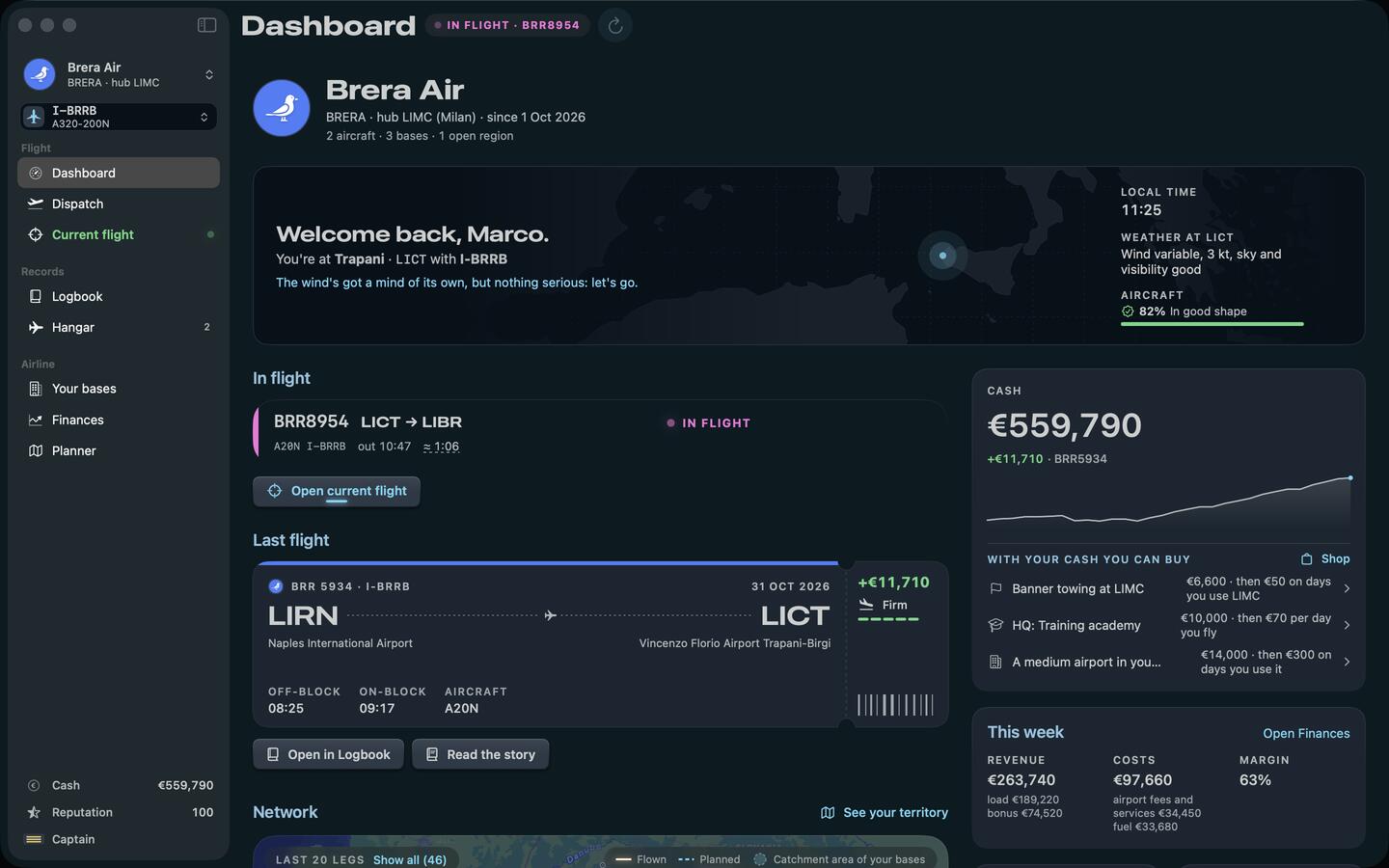
Which versions of the sim does it work with? Microsoft Flight Simulator 2024 on PS5, Xbox, PC and Mac. Chief Pilot never connects to the sim, so the platform makes no difference. Chief Pilot itself runs on your Mac.
Do I have to install anything in the sim? No. No add-ons, no SimConnect, nothing in the Community folder. You fly as you do now.
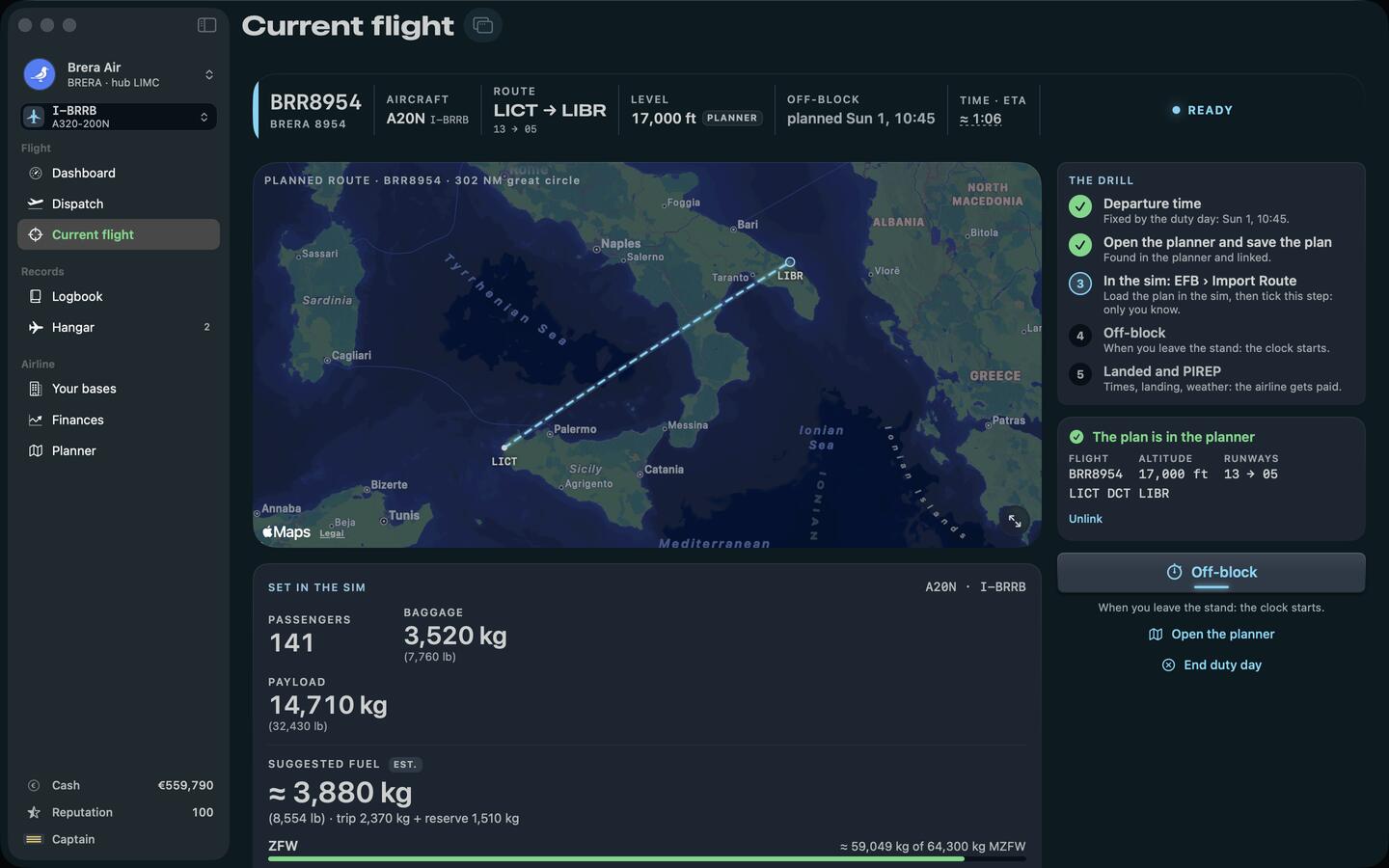
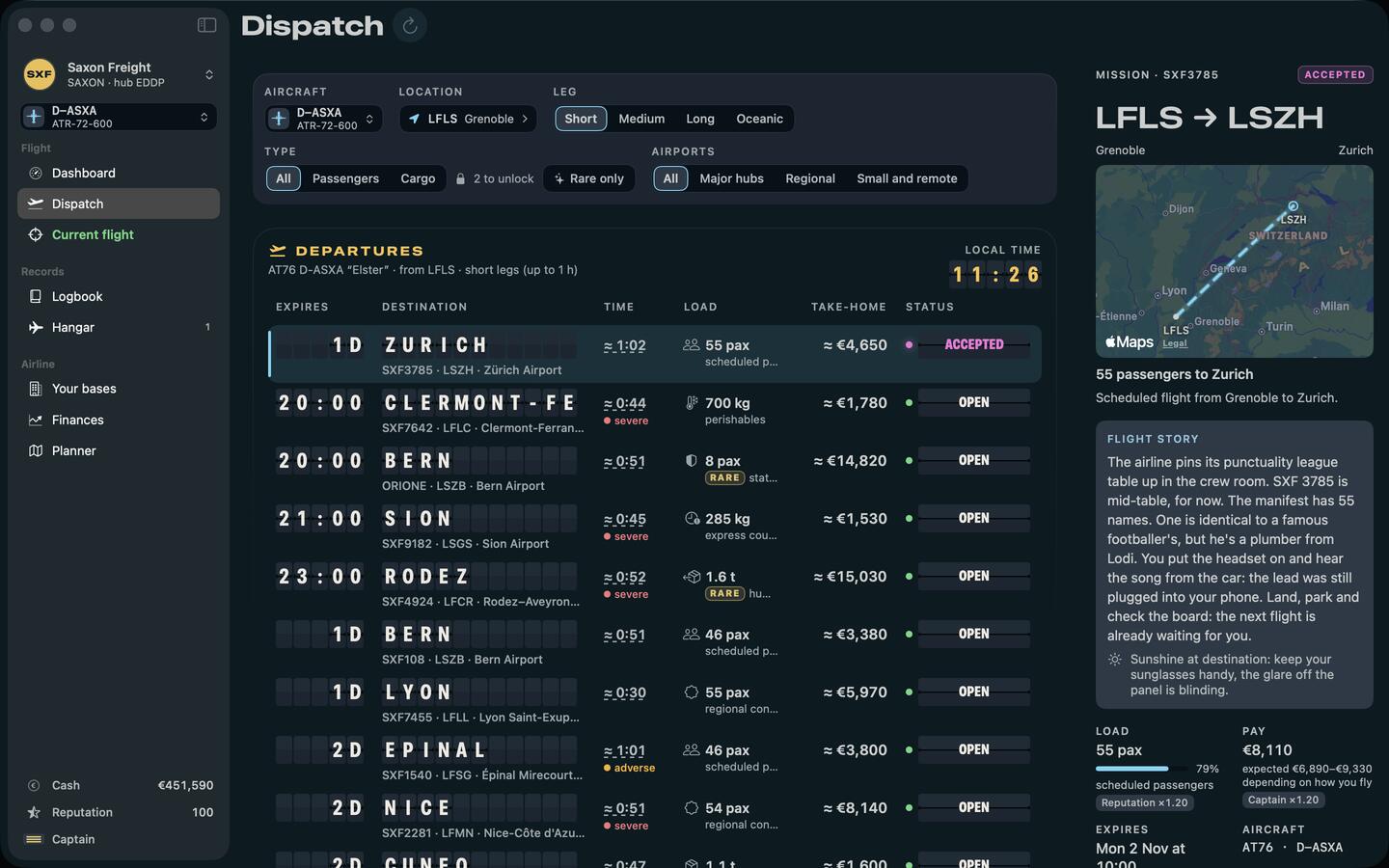
What does it read from the MSFS planner? The flight plans you’ve saved there. You sign in inside the app with the account you use for the planner, and Chief Pilot reads your plans. It never creates, changes or deletes one.
Does it make flight plans? No. It tells you where to go, with what and carrying what. You make the plan, in the planner.
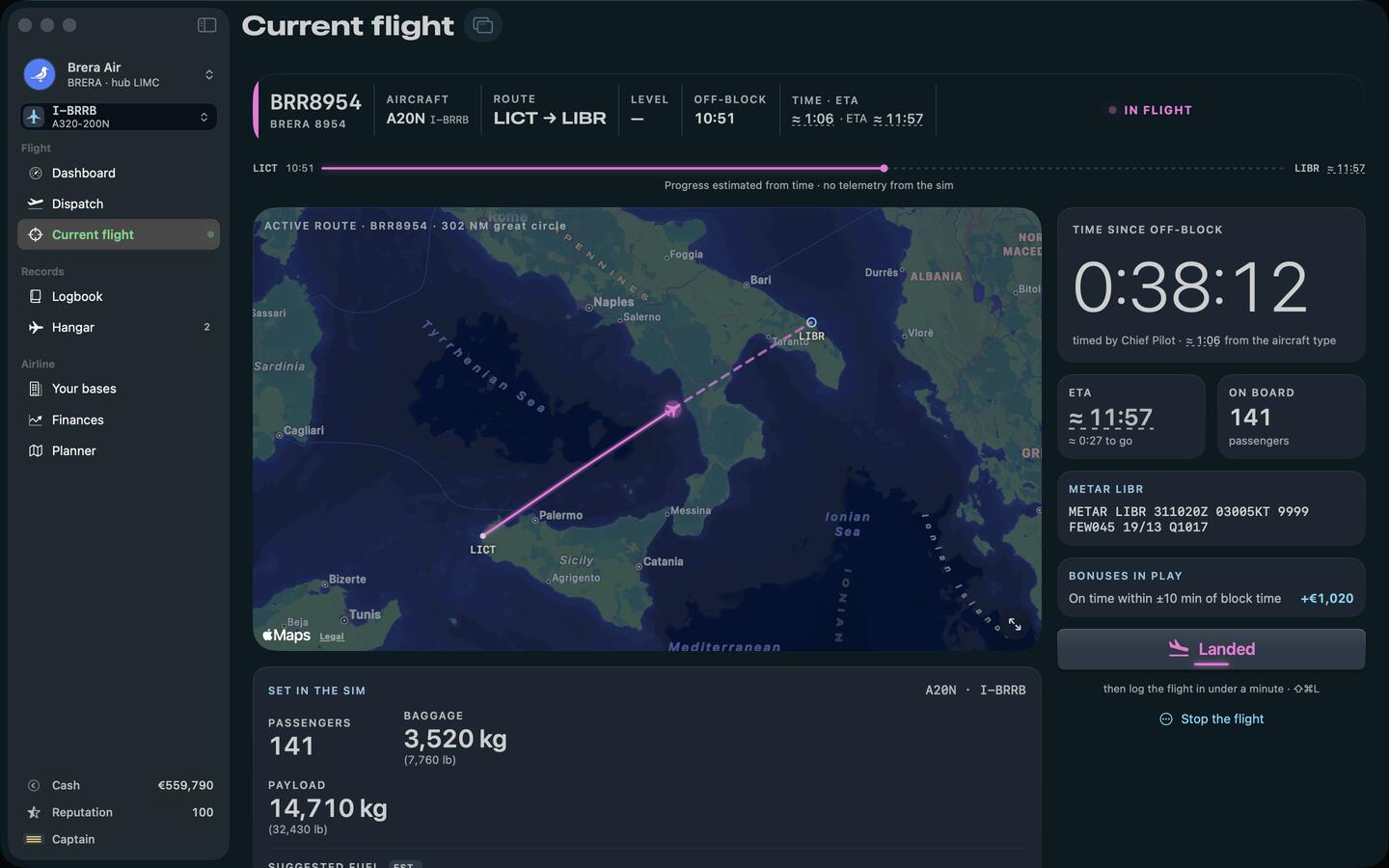
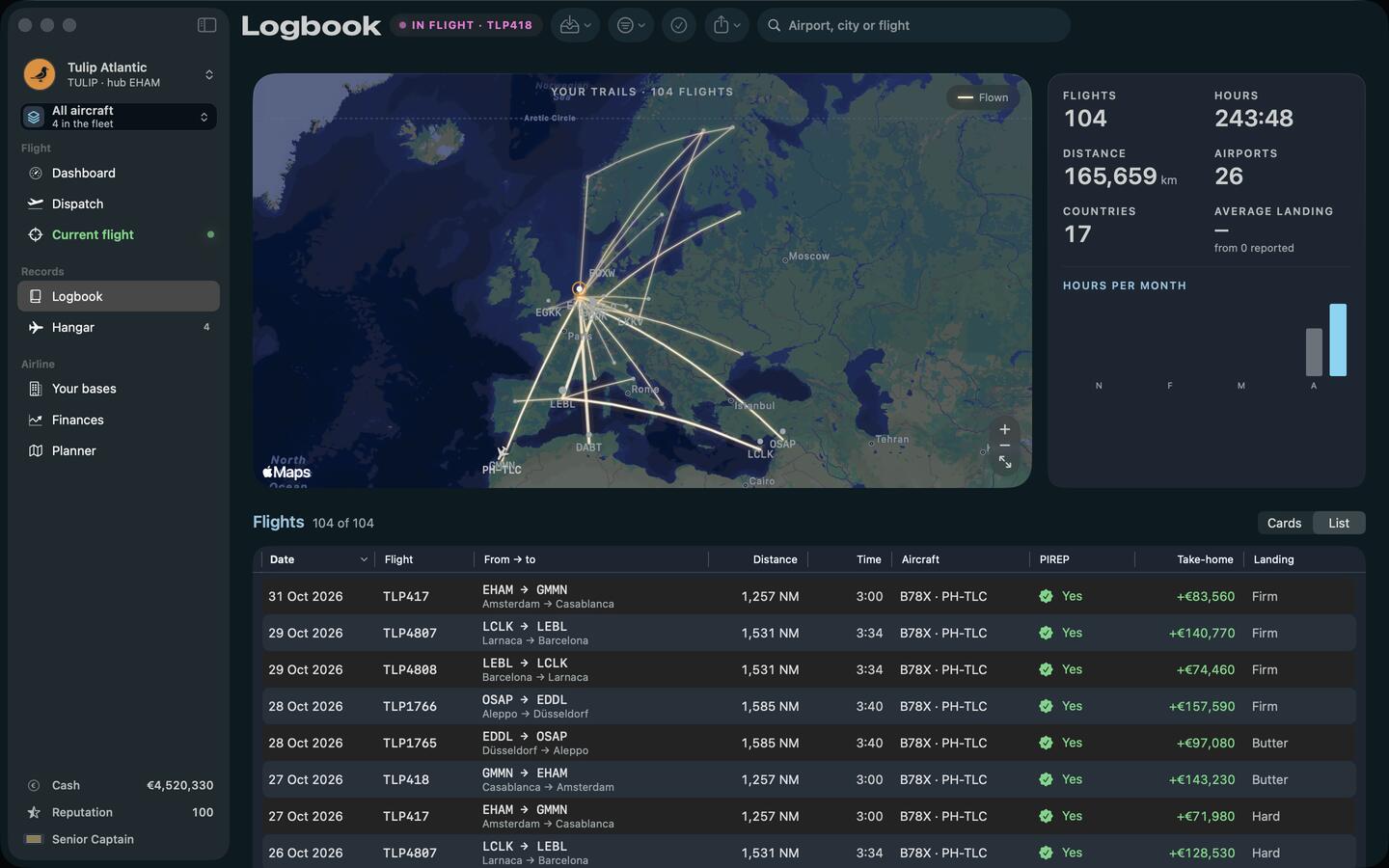
How does it know how I landed? It doesn’t: you tell it. Butter, firm or hard, and the rate if you noted it. The clock runs from off-block, and the progress bar is an estimate on time.
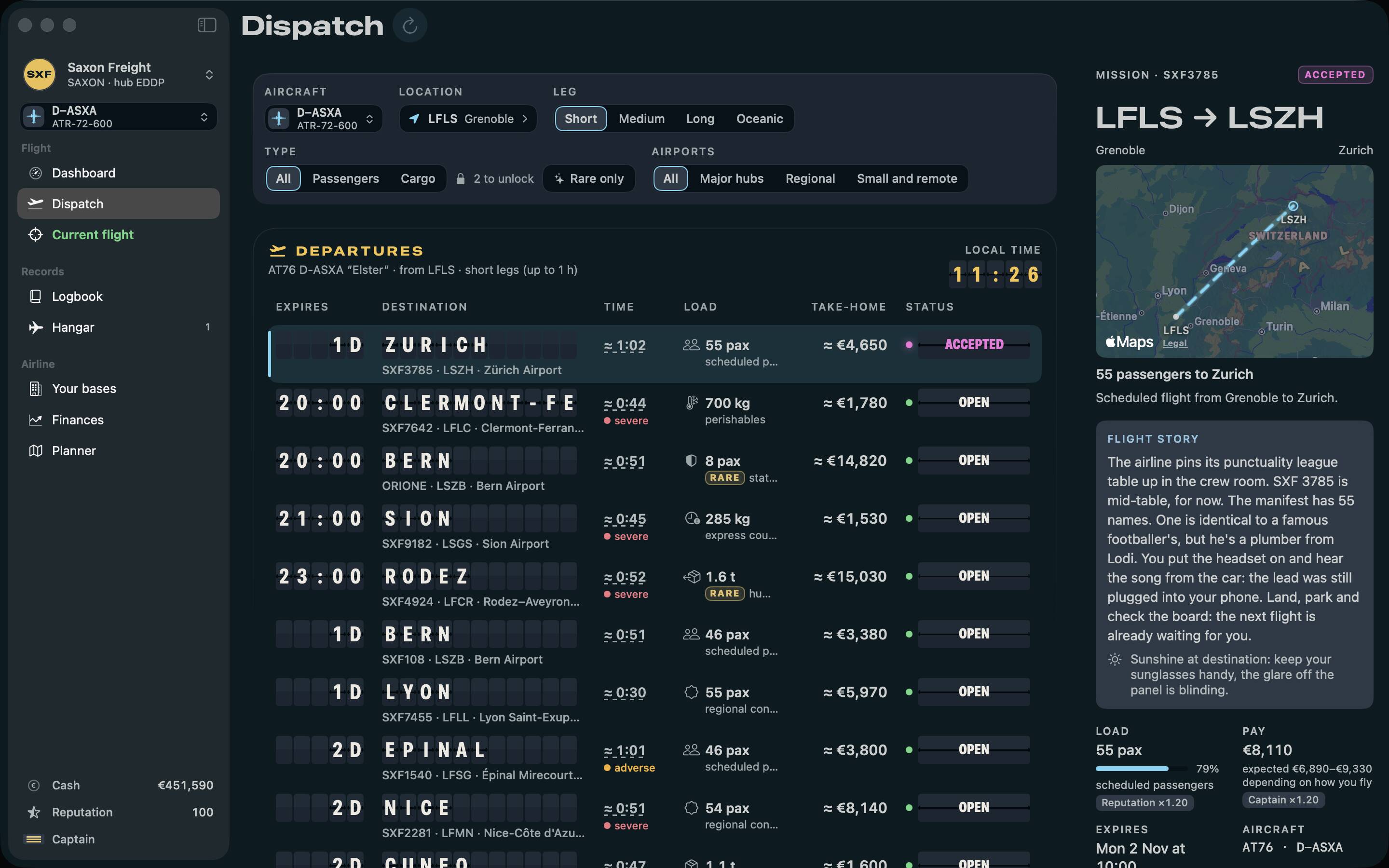
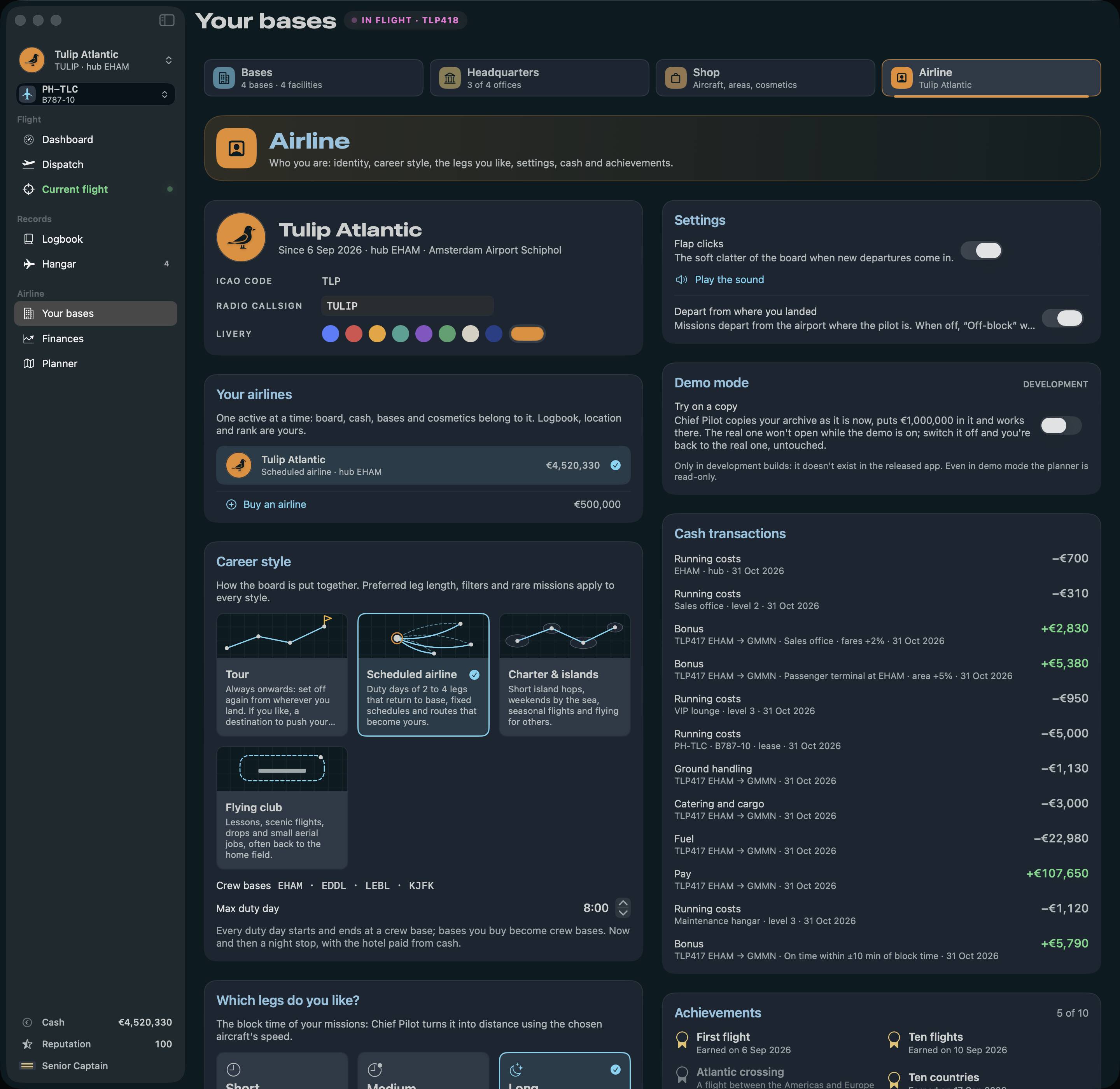
Which aircraft can I use? Any you fly in the sim. Pick the type from the catalogue or build it by hand, then give it a registration and a name.
Where is my data? On your Mac. No account with us, no servers of ours, no tracking. Export everything as CSV, KML or a JSON backup whenever you like.
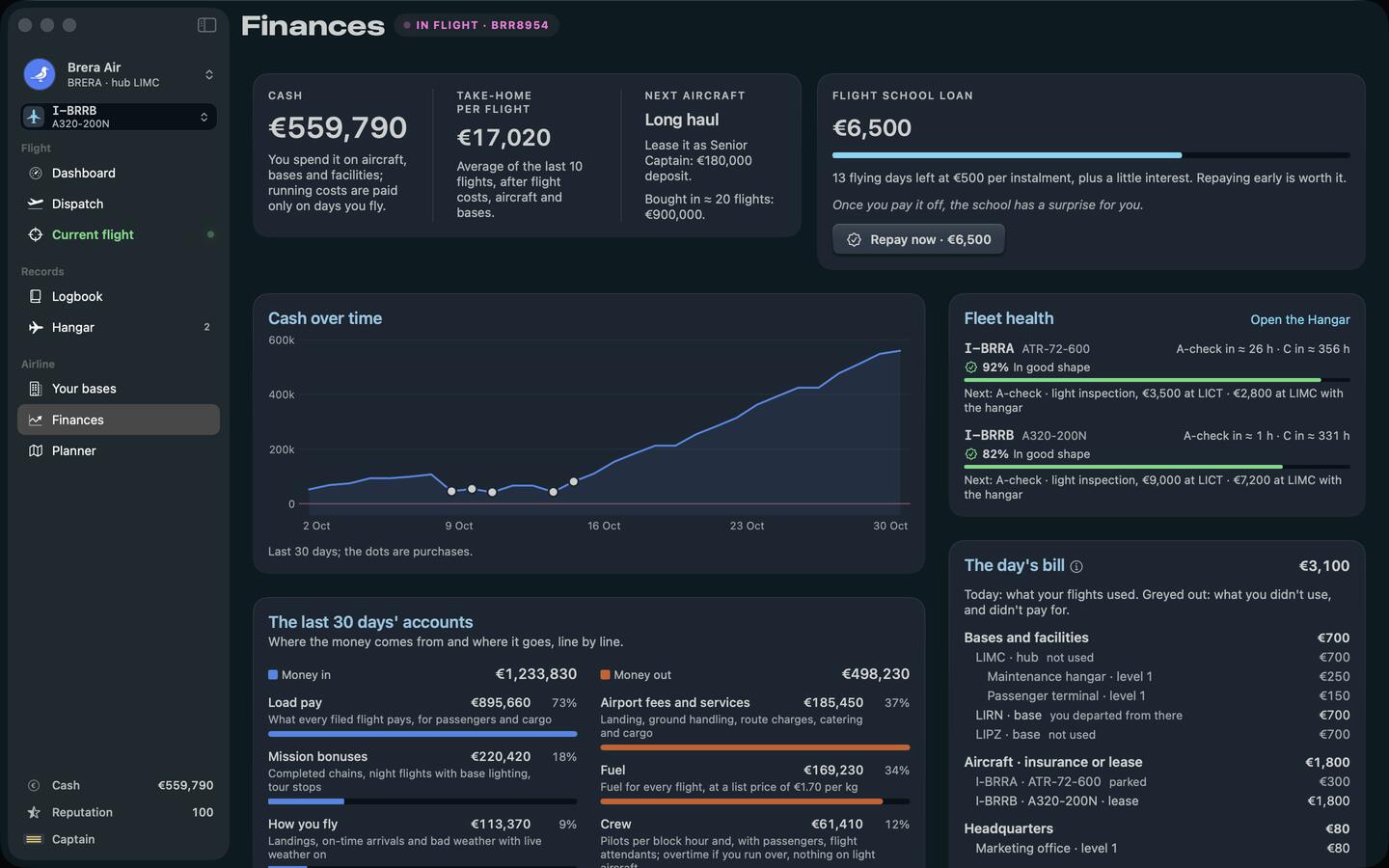
Does it work offline? The logbook and the career do. Fresh weather and new plans need a connection.
Is it on iPhone and iPad? Soon. The iPhone and iPad versions come from the same app, and one purchase covers Mac, iPhone and iPad.
Which languages? English and Italian, stories included.
Is it made by Microsoft? No. Chief Pilot is an independent app, not affiliated with Microsoft, Asobo Studio or Sony.
Something else? Write to chiefpilot@bulbmode.com, or see the support page.